
TikTok Video Downloader – VidGap
Paste a public TikTok video link and download the video as an MP4 file online.
TikTok Video Downloader – Download TikTok Videos Without Watermark
Want to save a TikTok video to your phone or computer instead of keeping it only on TikTok? VidGap lets you download TikTok videos from a video link and save them as MP4 files directly from your browser. Simply copy the TikTok URL, paste it into VidGap, and download the available video.
You can use the TikTok downloader on Android, iPhone, tablet, or desktop without installing another app. It is designed for common download needs such as saving TikTok videos in high quality and getting a version without the TikTok watermark where supported.
Whether you have a video link from the TikTok app or TikTok website, VidGap gives you a simple way to turn that shared URL into a downloadable video file.
How to Download a TikTok Video Using VidGap
Downloading a video with VidGap takes only a few steps.
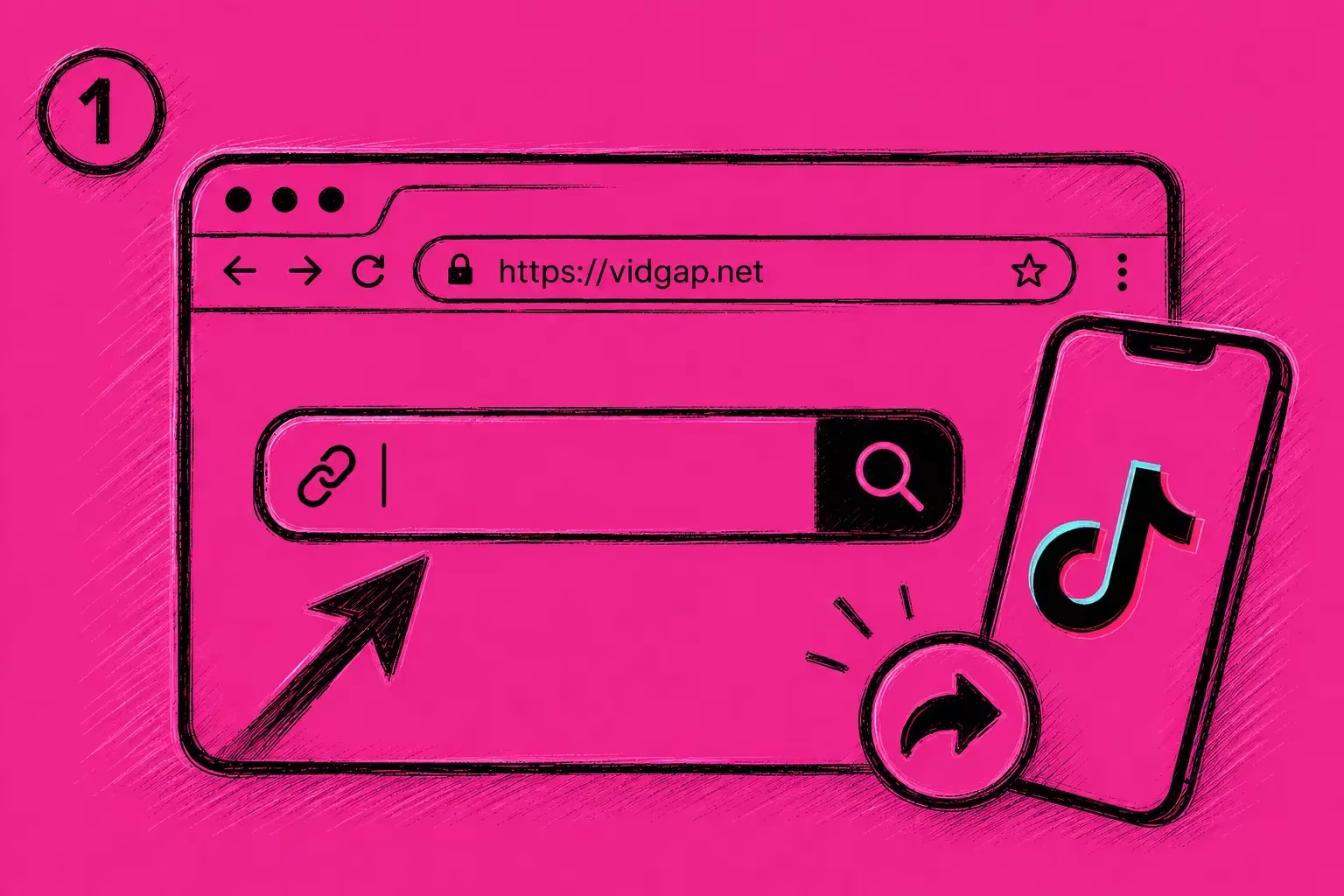
Step 1: Copy the TikTok Link
Open TikTok and find the video you want to download. Tap Share and select Copy link.
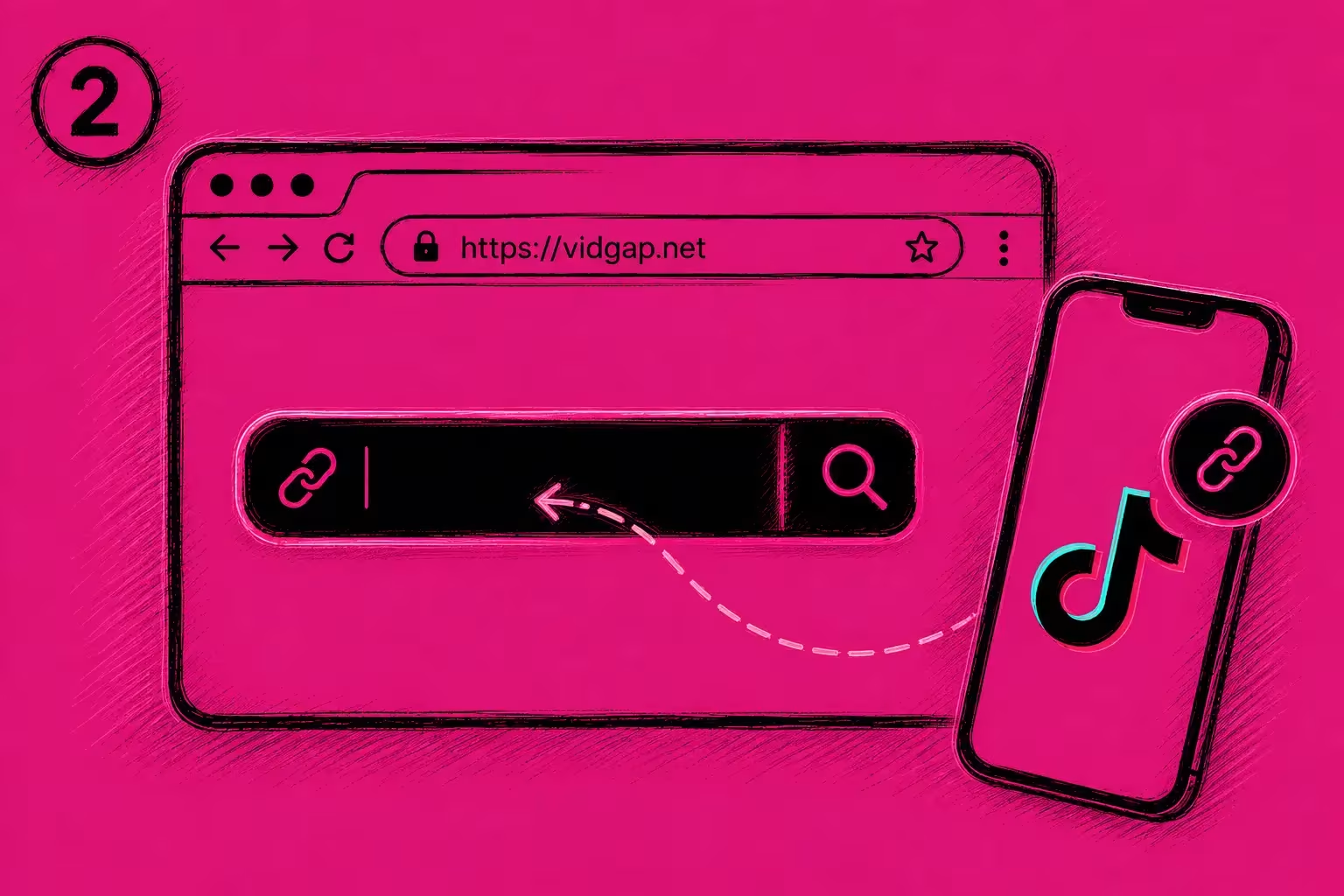
Step 2: Paste the Link in VidGap
Open VidGap and paste the copied TikTok URL into the downloader box.
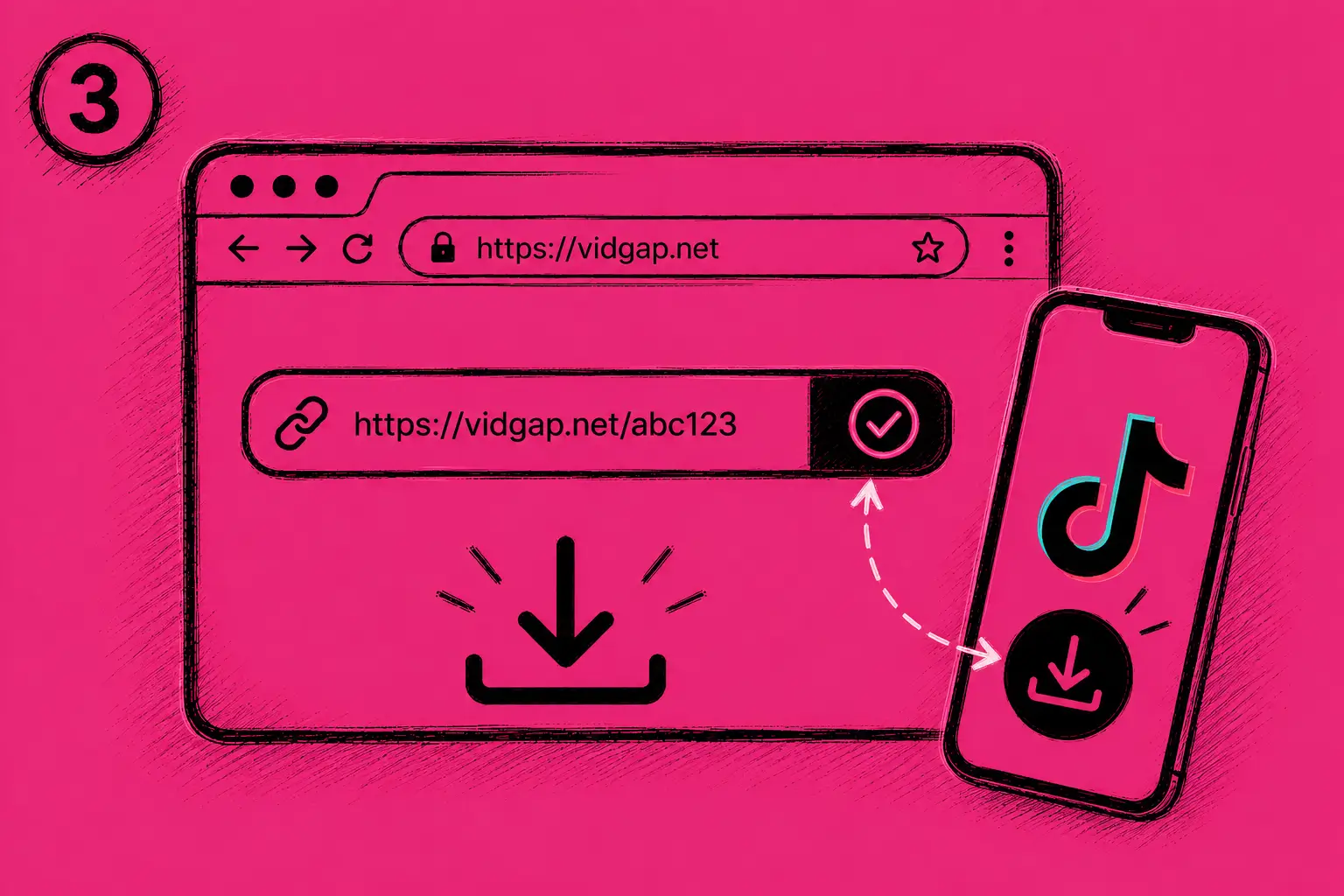
Step 3: Download the Video
Click the Download button and wait for the available video result. Select the download option to save the TikTok video to your device.
FEATURES
Why Use VidGap TikTok Downloader
VidGap is built around the main things people look for in a TikTok video downloader.
Download TikTok Videos Online
VidGap works through your web browser, so you can access the TikTok downloader without installing desktop software or a separate mobile app.
Open the website, paste the TikTok video link, and process the URL from the same browser.
TikTok Video Without Watermark
Many users search for a TikTok downloader without watermark because they want to save a cleaner version of a video. VidGap is designed to provide a watermark-free result where that option is available for the source video.
The final result can depend on the video and the current processing capabilities of the tool.
HD and High-Quality Video
If a higher-quality version is available, VidGap can provide the available video quality rather than forcing every download into a lower-resolution file. The quality of a downloaded video ultimately depends on the source and the versions available for that particular TikTok video.
MP4 Video Download
VidGap focuses on downloading TikTok videos as video files, with MP4 being the primary format. MP4 is supported by most modern phones, tablets, computers, and common media players, making it a practical format for keeping downloaded videos.
Mobile and Desktop Access
You can use VidGap from a mobile browser or a desktop computer. The download process works around the TikTok URL, so there is no need to search for the video again inside the downloader. Android, iPhone, tablet, Windows, and Mac users can access the tool through a compatible browser.
Download TikTok Videos From a Link
A TikTok video link is all you need to start a download with VidGap.
TikTok provides a shareable URL for individual videos. Once you copy that TikTok link or TikTok URL, you can paste it into VidGap and submit it for processing.
This is useful when someone sends you a TikTok video through a message, you have copied a link from the TikTok app, or you have the video URL open in your browser.
VidGap is intended for video URLs rather than usernames. If you want to download a specific TikTok video, use the link for that individual video.
Save TikTok Videos as MP4
Downloading a TikTok video as MP4 gives you a standard video file that can be stored on your device and played outside the TikTok app.
Once the video has been processed, choose the available video download option. After the download finishes, you can find the file in your browser’s normal download location.
On a phone, this is usually the device’s Downloads folder or the browser’s download area. On a computer, the file will normally be saved in the browser’s default Downloads folder.
The available resolution and file quality can vary between videos. VidGap does not treat every TikTok video as a guaranteed 4K source, so only the quality actually provided by the tool should be expected.
Tips for Downloading TikTok Videos
A few simple checks can prevent common download problems.
Make sure you copy the actual TikTok video link rather than a profile URL or an unrelated page. If the downloader does not process the link, open the original TikTok video first and copy its share link again.
The source video also needs to remain accessible. If a video has been removed or is unavailable, a downloader may not be able to retrieve it.
For the best available result, use the original TikTok video URL and select the highest-quality option provided by VidGap.
Privacy and Responsible Use
VidGap is intended for downloading publicly accessible TikTok content that you have permission to save or use.
Downloading a video does not transfer copyright ownership to the person who downloads it. If you plan to repost, edit, publish, or use someone else’s TikTok content for commercial purposes, check the creator’s rights and obtain permission where required.
Private content and privacy restrictions should not be bypassed through a downloader.
Conclusion
VidGap provides a straightforward way to download TikTok videos from a TikTok link. Copy the video URL, paste it into the downloader, and save the available result as an MP4 file.
The homepage focuses specifically on TikTok video downloads, including common needs such as watermark-free video, HD quality, MP4 output, and browser-based access where supported.
For other types of TikTok content, use the dedicated VidGap tools designed for those specific tasks.